| Server IP : 216.238.66.20 / Your IP : 216.73.216.199 Web Server : nginx/1.30.4 System : Linux woropds 5.15.0-187-generic #197-Ubuntu SMP Fri Jul 17 19:17:01 UTC 2026 x86_64 User : root ( 0) PHP Version : 8.2.33 Disable Function : NONE MySQL : OFF | cURL : ON | WGET : OFF | Perl : OFF | Python : OFF | Sudo : OFF | Pkexec : OFF Directory : /var/www/22222/htdocs/ |
Upload File : |
# WordOps Dashboard A clean Bootstrap dashboard for WordOps that show server metrics, Nginx current connection, requests and more powered by Netdata. 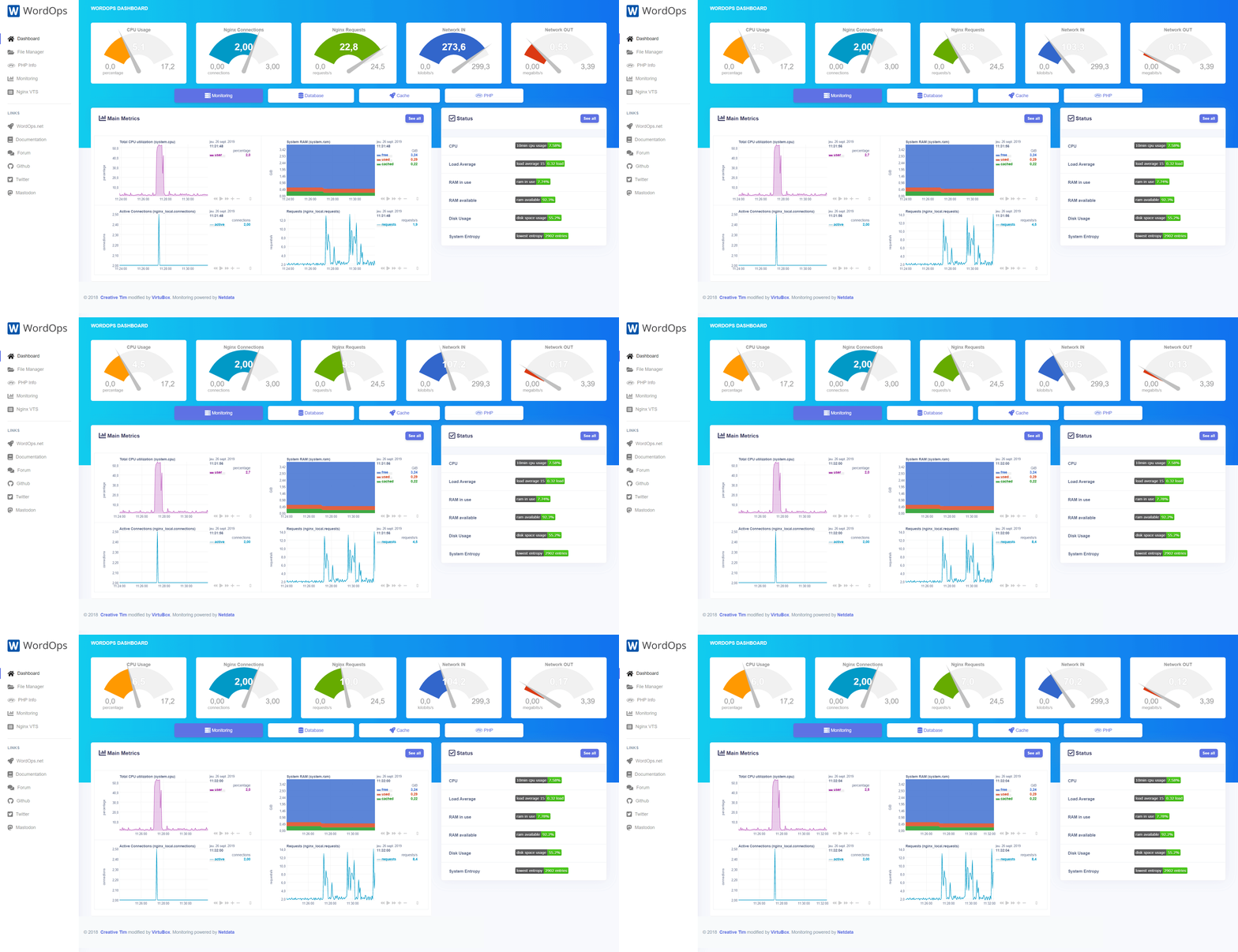 ## Features Demo available on: [demo.wordops.eu](https://demo.wordops.eu) * Real-time server metrics. * One click access to various tools (Nginx VTS, phpMyAdmin, Adminer, phpRedisAdmin,... that can be installed with `wo stack install` command) * Beautiful graph and gauge. * Fast and clean. ## Usage ### Automatic ```bash wo stack install --dashboard wo stack install --netdata ``` ### Manual Download and extract the archive in a directory : ```bash curl -sL https://github.com/WordOps/wordops-dashboard/releases/download/v1.2/wordops-dashboard.tar.gz | tar -xzf - -C /path/you/want ``` Replace in the following line `/netdata/` with the full and public address of your netdata instance : ```html <script type="text/javascript" src="/netdata/dashboard.js"></script> ``` ## Troubleshooting **Network interfaces meter are not displayed on the dashboard** If you network interface isn't named `eth0`, you just have to use the command `ifconfig` to find its name and to replace `eth0` with the proper interface name in the dashboard index.php file. Example for a network interface named `ens18`: ```bash sed -i 's/eth0/ens18/' /var/www/22222/htdocs/index.php ``` ## Build The dashboard contains minified CSS, JS files that generated by Gulp build process. It's required to install Nodejs, Gulp and require package to build your own new CSS, JS files. ```bash npm install # for the first time gulp # or gulp css # or gulp js ``` ## Credits Based on Argon dashboard template by [Creative Tim](https://www.creative-tim.com). Powered by [Netdata](https://github.com/netdata/netdata) Monitoring suite.